

VIRTUAL GUARD FOR
MCDONALD'S

McDonald’s is thrilled to partner with Interface. The Interface Virtual Guard solution is a game changer for the safety and security of restaurants.

Value of Virtual Guard
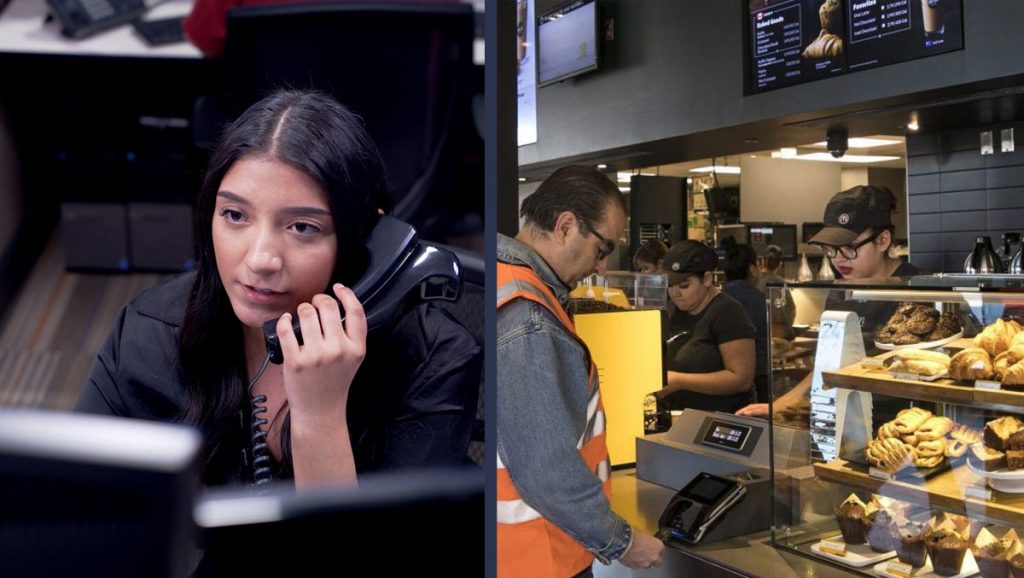
VIRTUAL TOURS
- Activate scheduled and unscheduled virtual guard tours
- Ability to voice down to trespassers and vagrants to deter criminal activity
- Create security awareness with proactive check-ins with staff
- Periodic check-ins serve as a reminder that intervention specialists are there to support restaurant staff
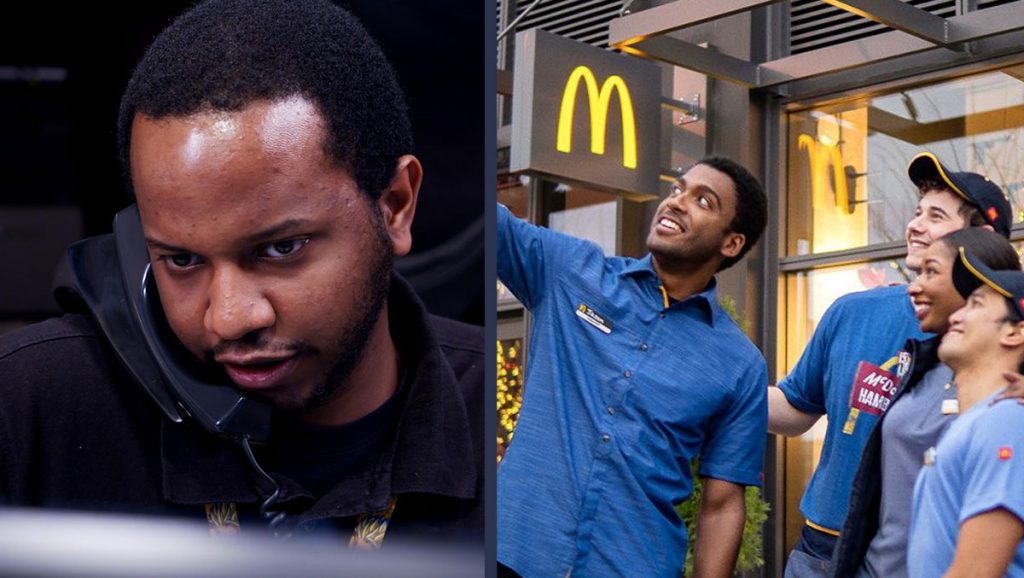
VIRTUAL STAFF ESCORTS
- Get on-demand virtual staff escorts
- Proactively avoid dangerous situations when entering or exiting the restaurant
- Have a remote lookout (an intervention specialist) inside and outside the restaurant
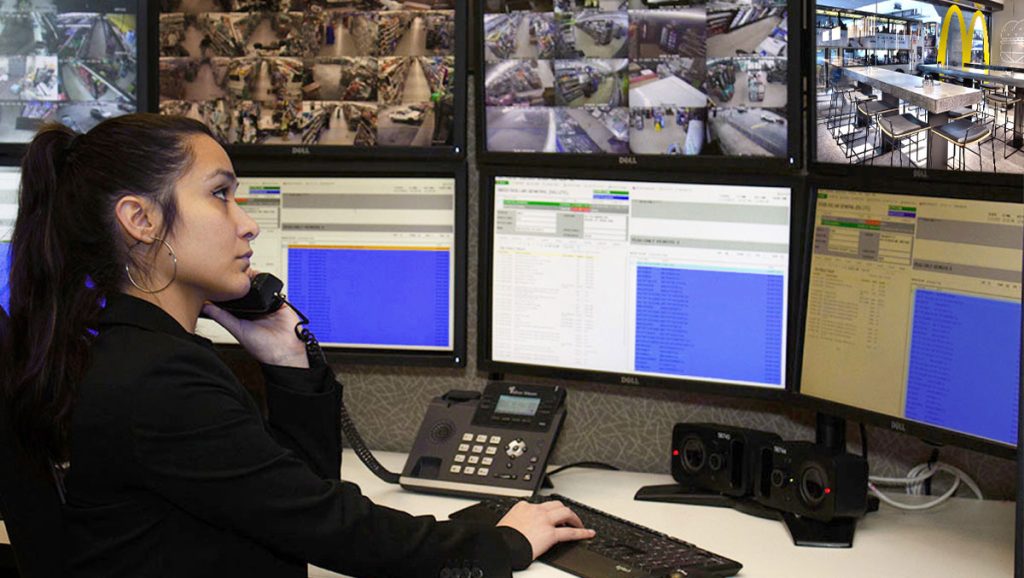
RAPID RESPONSE
- Conduct scheduled or unscheduled virtual walk- throughs along with voice-downs
- Address unwanted guests engaged in suspicious or aggressive behaviors
- Give store managers the option to request on-demand monitoring via the Security Phone or Hold-up Alarm buttons
REPORTING
- Activations by alarm event types
- Activations by day of the week and time of day
- Number of police dispatches
- Number of incident reports
- Number of activations by device
- Number of system health tests
Virtual Guard Services
- Direct NVR integration with Raven (Open Eye manufactured) or IPConfigure
- Direct alarm integration with DMP with wireless DMP-1142 HUBs or DMP-1101 transmitter connected to hardwire HUBs
- On-Demand Virtual Staff Escorts
- 120 Video Tours per month
- 360 Automated Voice-downs per month (English and Spanish options)
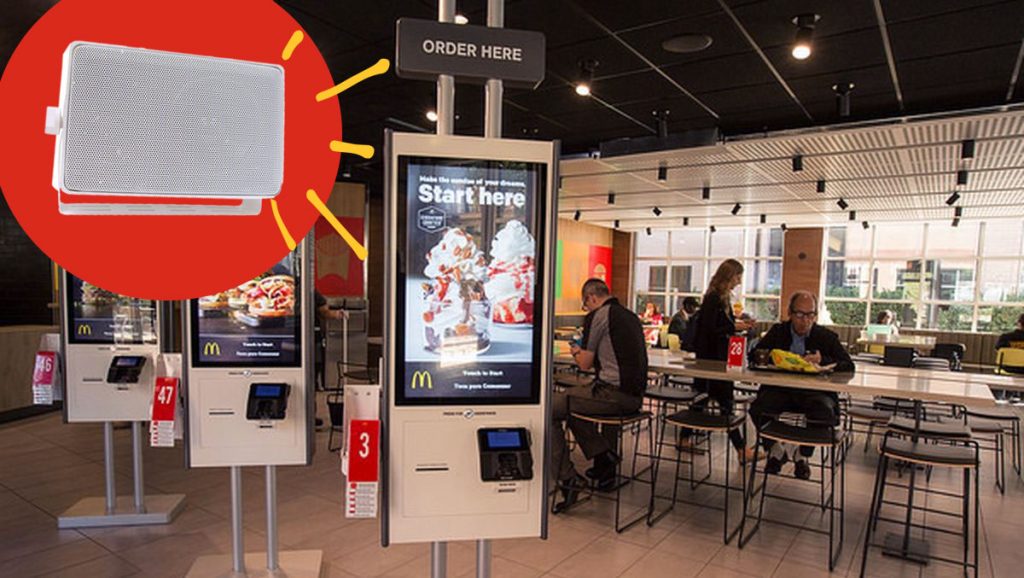
- 2-Interior Audio Zones
- 4-Exterior Audio Zones
- Platinum Maintenance Plan
FREQUENTLY ASKED QUESTIONS PRE-SIGN-UP
Currently any operator that has UAS or Wachter video management system.
Click on the “Sign-up Now” button and fill out your information.
- Sign up for Virtual Guard via the Microsite, email, or calling.
- Interface sales team will contact you to get more information about your restaurant layout and the security systems you have installed.
- Interface contracted tech will complete a site survey at no additional charge to you! Tech will gather pertinent information about your restaurant layout and existing system that will confirm we have everything we need to complete a Virtual Guard solution.
- Interface will email the restaurant supervisor and regional manager an order summary detailing the package, pricing, and terms for you to sign and return and we will begin to schedule your installation! If your restaurant does not contain the required security equipment needed, you will be placed on a list and notified once other options are available. Interface and McDonald’s are working now on additional options for non-standard security solutions, and these will be available very soon!
- An Interface Project Manager will receive the order and will work directly with the contact provided to schedule your installation.
- Installation should take 2 days with 2 techs onsite to complete the job – may vary depending on restaurant requirements.
- On site techs will work with Interface Security Test and Turn Up (TTU) team to ensure everything is working as designed and request a sign off from store manager before departing.
- Training materials on system activation and use will be provided to employees and the restaurant.
After the site survey Interface will email the restaurant supervisor and regional manager an order summary detailing the package, pricing, and terms for you to sign and return. It will take approximately 60 days from receipt of the agreement. Timeframe subject to change for restaurants located outside of the continental U.S. (Alaska, Hawaii, Puerto Rico, and other U.S. territories).
FREQUENTLY ASKED QUESTIONS FOR VIRTUAL GUARD USERS
By picking up the Interface Security phone, holding down the panic button typically located under the register or by pressing both buttons of the wearable pendant.
The preferred method is to use the Interface security phone.
You should always notify the iSOC before testing any device so they can differentiate between tests and actual activation. Once you notify the iSOC, that you wish to test the system the operator will help you test your system.
Any time that you feel threatened or need urgent security assistance.
No, they will listen into the store and assess the situation and initiate the conversation with you.
No, only hit the button if you feel it is safe to do so. Make no sudden lunges to hit the button if you feel it unsafe. You may also hit the button after the suspect leaves the store.
Interface only listens into the store if the button has been pressed or during an announced security tour which will occur twice per day.
Yes, the Interface service is not a replacement for 911 services. If the Interface specialist feels the authorities need to be contacted, they will contact 911 but please adhere to normal safety protocols.
After receiving the signal from your device, the Intervention Specialist will, look, listen and assess before a voice down. This process may take up to 2 minutes as your safety is our primary concern.